Tuesday, October 14, 2025 @ 1:15 AM in 2025 Oktoberfest Trip
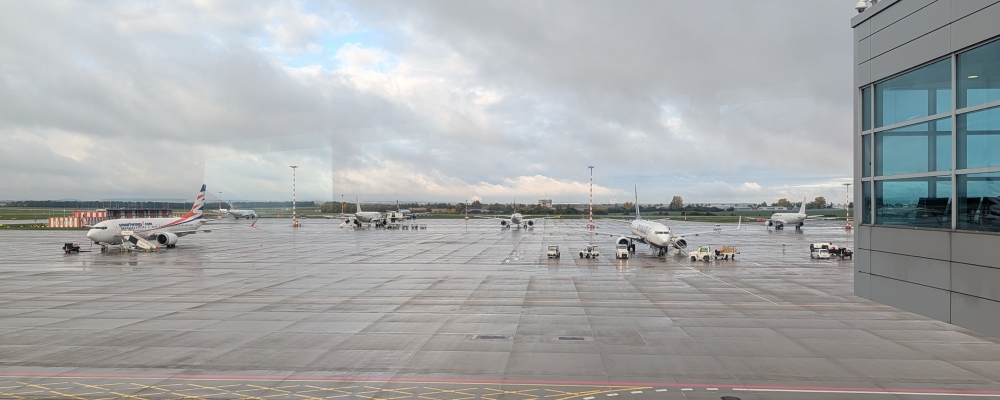
Wow, what an intense day this turned out to be. It started off fairly normal by packing up and checking out of hour Airbnb in Prague. We opted for an Uber to get us to the airport as it was much faster and less logistics than trying to take the metro to the bus stop. The driver was about 10 minutes late but ended up getting us to the airport with plenty of time. It was raining pretty hard in the morning which caused the roads to be a little more busy and traffic a little slower than normal. We checked our bags and then waited at the gate for our plane.
Our first flight of the day was from Prague to Munich, which was only a little over an hour in length. We got to the Munich airport and had about 6 hours before our flight back home was set to depart. Rather than kill a bunch of time at the airport, we decided to check our bags at the luggage storage at the airport and then take a quick 20 minute bus ride to Freising which is home to Weihenstephan, the oldest brewery in the world.
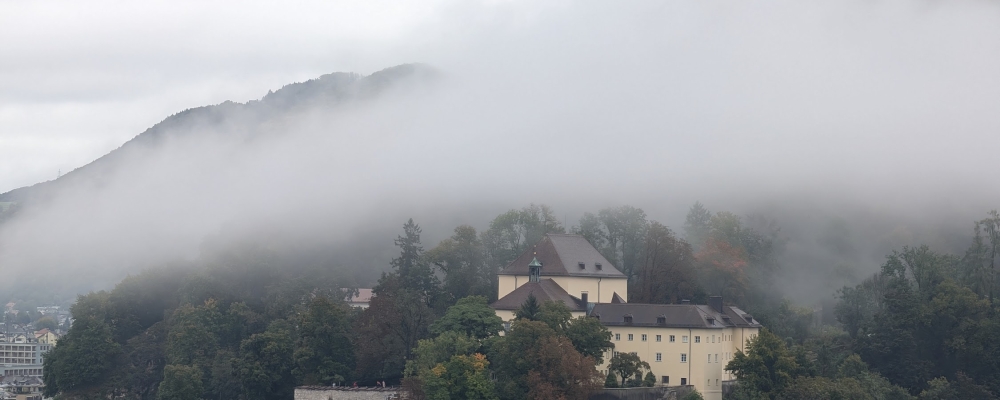
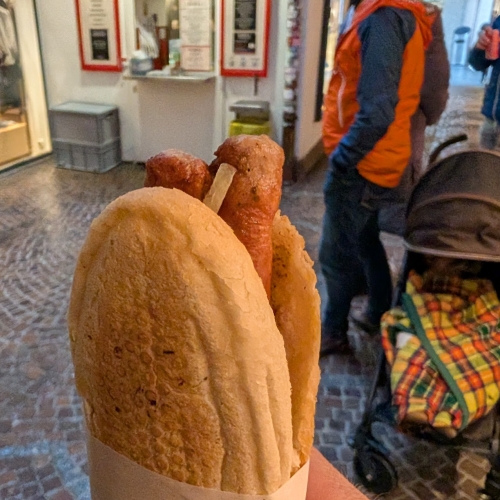
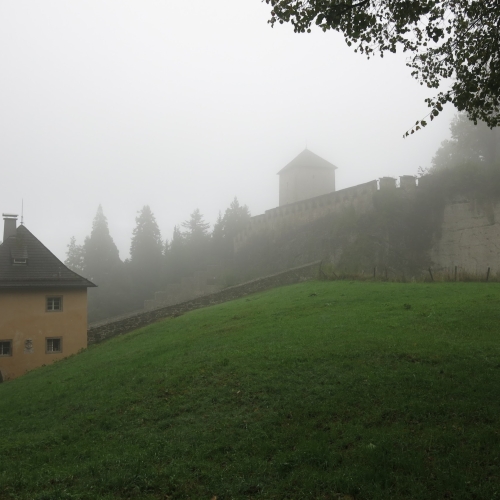
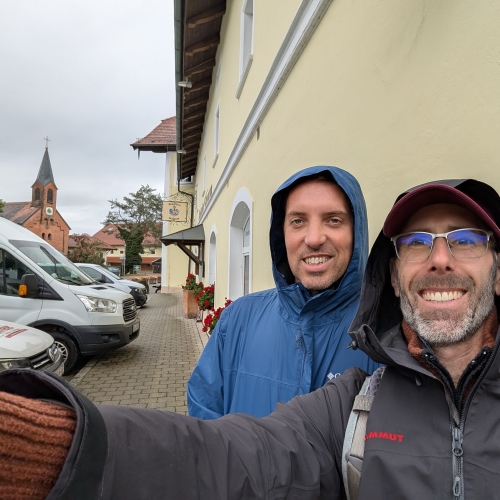
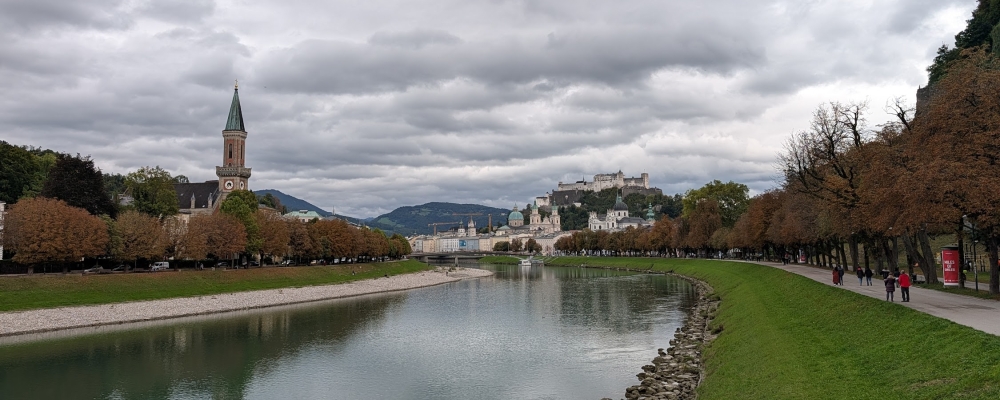
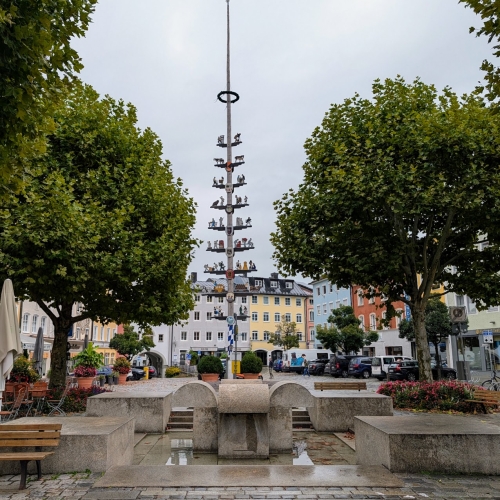
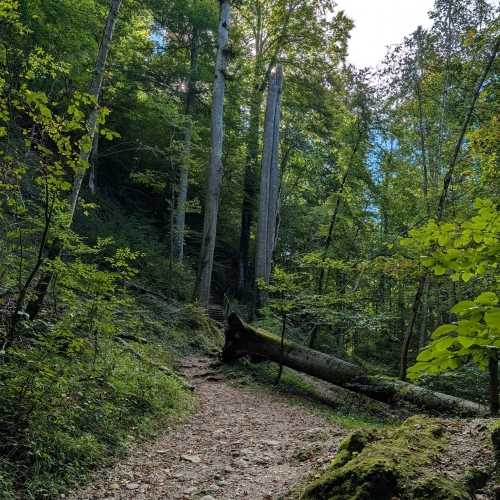
Busses run about every 10-20 minutes and the ride only took about 20 minutes, which was really convenient. We caught the bus outside the airport and it dropped us off at the bus station in Freising. We were told about a really good spot to get a Doner, so we got one of those for lunch. The doner was really good and made for a nice walking lunch. The walk from the Doner shop to the brewery was about 30 minutes but took us through some beautiful wooded areas. The trees were just starting to change here which was the first time we really saw any of the seasonal changes during the trip. Freising is also a beautiful town with some rivers going through it. It seemed like a really cool place to live.
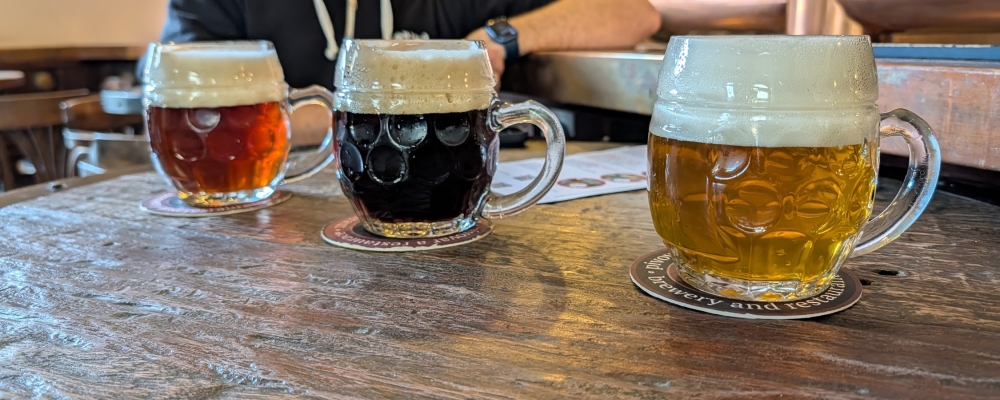
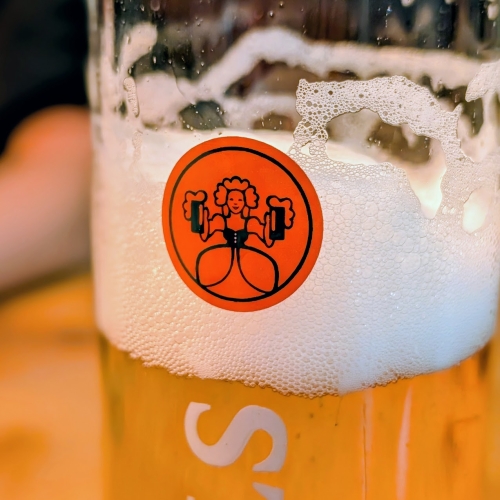
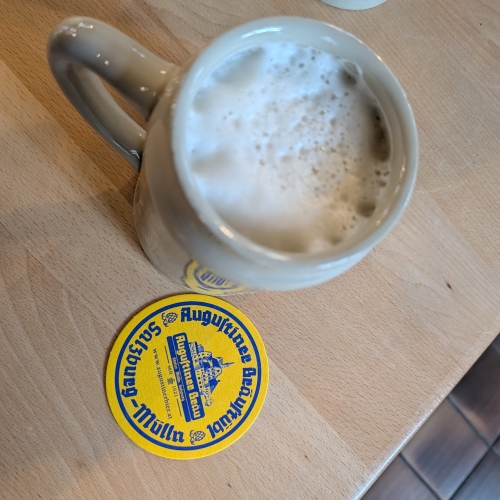
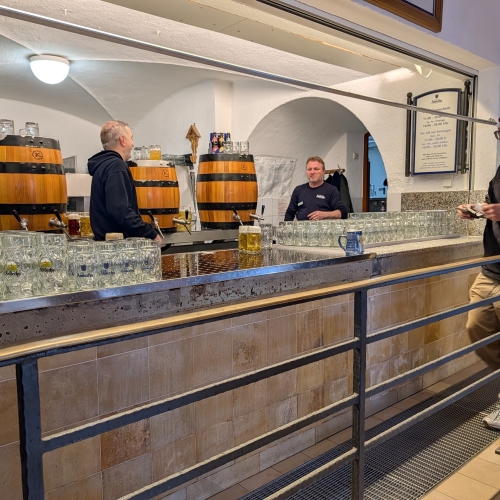
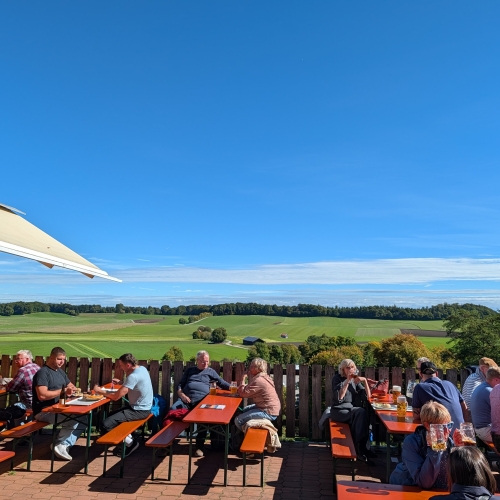
We met up with Dustin again (we had dinner with him after the Oktoberfest session on Friday about a week and a half earlier) at the brewery. He's going to brewing school at the school in the same location as the brewery. I had a Helles and a Hefe, both of which were great. After wrapping up and saying our goodbyes, Ben and I started the walk back to the train station. I was starting to pay close attention to the time, as we needed to check our bags for our flight at least 75 minutes before departure.
Unfortunately we just missed a bus when we got back to the station and had to wait another 15 minutes for the next one. Fortunately it was on time and got us to the airport without any issues. We hustled to the luggage storage and paid for our bags. We made it to the gate with about 5 minutes to spare, but there were a few people in front of us. This caused us to be technically late by the time we were able to check our bags. The lady behind the counter was a little pissed, but fortunately we were able to check our bags and proceed to security.
Security wasn't too bad and we had a little bit of time before boarding so I stopped at the Duty Free shop to burn the rest of the Euros I'd been carrying. I ended up getting a huge Kinder egg for Dakotah. It was way over priced but at least I spent all of my Euros. I got to the gate and we only had about 10 minutes before we started boarding. Even though we almost didn't get to check our bags and cut it really close timing wise, I'm glad we made the detour to Freising to have some beer at Weihenstephaner. It was a great couple of hours walking through a neat little town outside of the airport. If you're going to do something similar, just make sure you leave yourself with plenty of time to check your bag and get through security.
The long flight to Denver was pretty uneventful. They fed us quite a few meals, although none of them were extremely filling. I tried to sleep for a little bit but probably only got an hour or so here and there. Most of the time was spent watching movies or reading. We landed in Denver basically on time and saw that our connecting flight was delayed a little bit. That gave us a little relief as it gave us more time to get through customs. We used the MPC app (Mobile Passport Control) to let us skip all the big custom lines. It actually worked pretty well and we only had to wait behind a few people instead of hundreds. On the way through customs, we realized Ben's water bottle was leaking in his camera bag, soaking all of his camera gear. He drained the bag but many of the cameras had some kind of water in them (note from later: fortunately none were damaged and worked fine a few days later).
After getting and re-checking our bags, we made our way to the gate for our final flight from Denver to Albuquerque showed the slight delay but we weren't too worried. The people had gotten off the plane and we started our boarding process as expected. The delay was only going to get us into Albuquerque about 20 minutes late, about 10:10pm, which seemed fine.
We sat on the plane for a little bit until finally they came on the speakers and told us there was a mechanical issue affecting the flaps and we'd need to get off the plane and wait for another flight. The next flight wasn't going to be ready for another hour or so which meant not getting into ABQ until closer to 11:30pm. After an already exhausting day, this delay felt like forever.
After deboarding and waiting at the new gate (the one next to the one we were at), we finally re-boarded and made our way to Albuquerque. The flight was a little bumpy, but I was able to get a few minutes of sleep. We landed, got our bags and started the hour drive back home. When we started driving it was about midnight. At this point we'd been up for about 26 hours with only a few hours of sleep. I dropped Ben off and got home around 1:15am. I changed, then immediately crashed out. Dakotah came in at like 3am, then again at 5:30. This meant in the course of about 30 hours, I only got about 5 hours of sleep. I somehow felt pretty OK the next day though. It would just need to be an early bed that night.
Overall, the trip was fantastic. We had a lot of rainy days and I consumed an absurd amount of beer, but we got to try some really good beer and visit some incredible breweries. Mixing in some days out of the cities was a fun way to break things up too. On average, I was walking about 10 miles a day which made eating all that heavy food and drinking all that beer somewhat more tolerable.
Teaser photos:
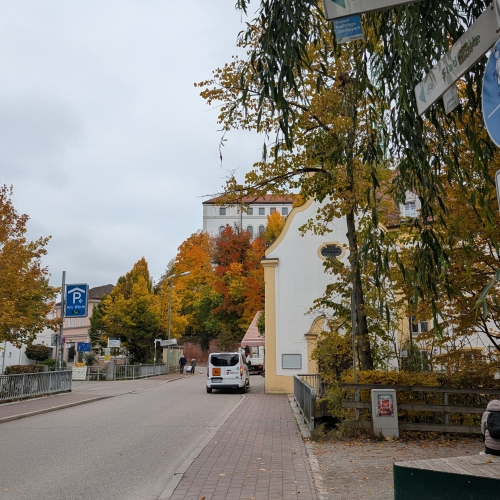
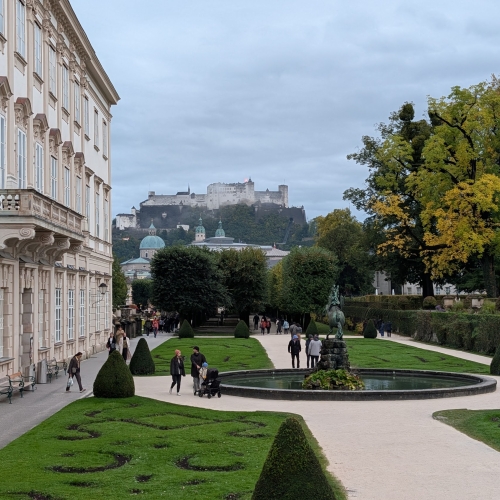
Fall colors in Freising
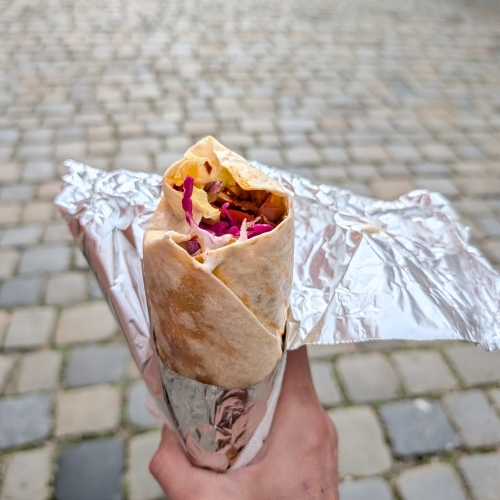
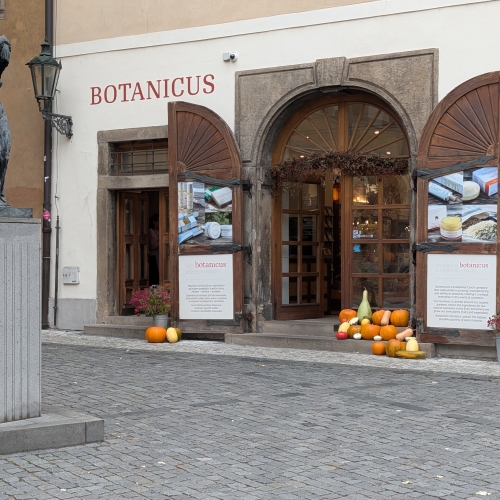
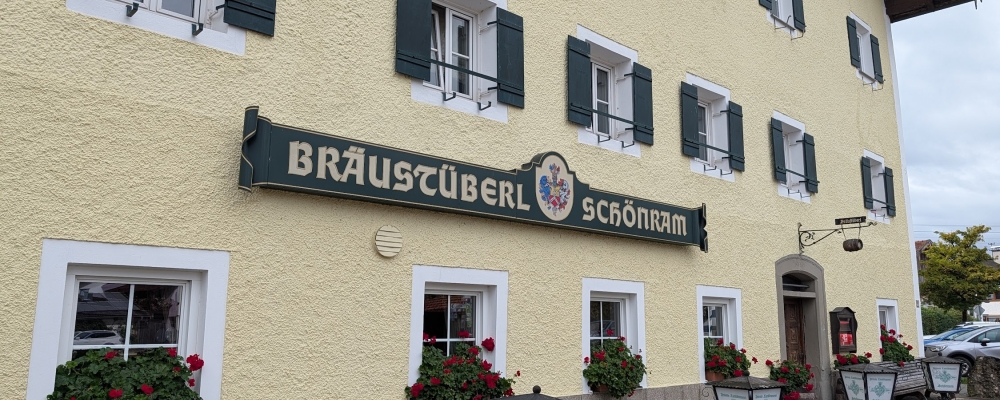
Last doner of the trip
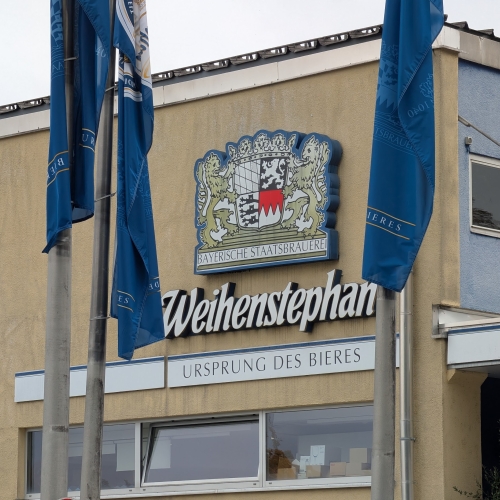
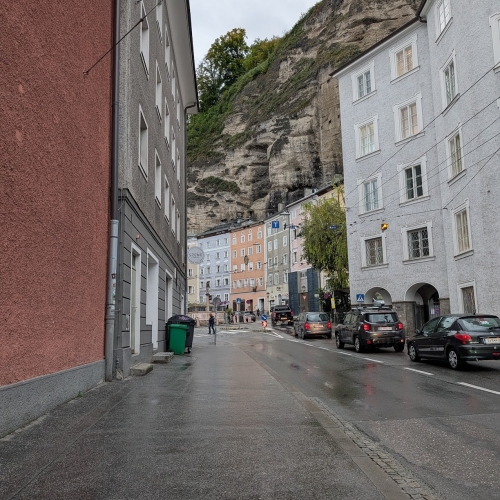
Stopped at Weihenstephan for beers on our layover
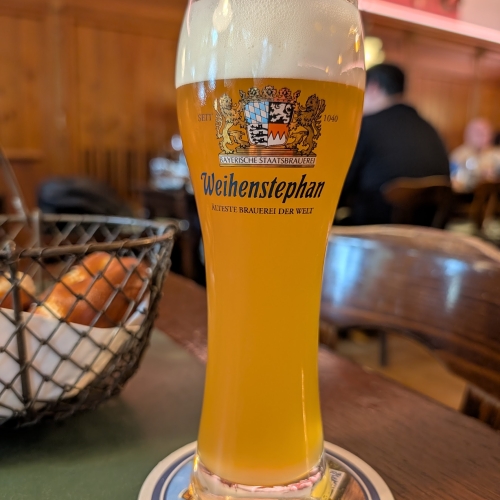
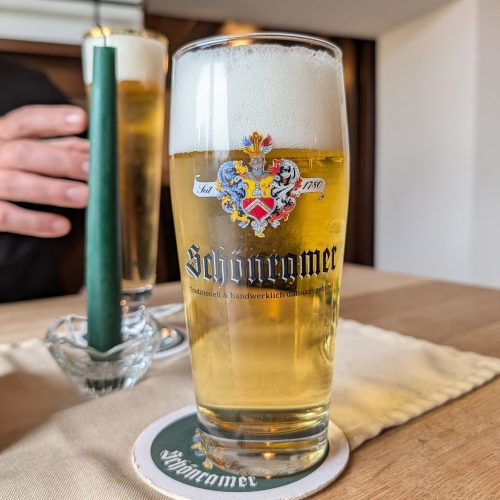
Last beer of the trip... Weihenstephan hefe
View Entire Photo Gallery
Tags:
prague, munich, santa fe
Posted from: United States